Meeting notes that lead somewhere.
A decision log, named actions, open questions and the next meeting—all in one readable document.
Download meeting-notes.md ↓Build the meeting note →MARKDOWN SCHOOL
Learn Markdown, work with YAML and write clear instructions for AI agents. Each lesson has a narrated video, an editable example and an exercise you can copy into your own editor.
Start with the first lesson ↗A GOOD FOUNDATION
Watch a short demonstration, explore the example, then try it yourself. Start at the beginning or choose the skill you need.
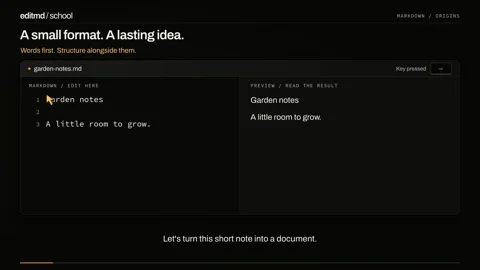
Meet Markdown: readable text that can become a structured document.
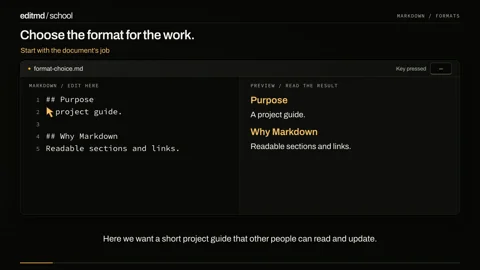
Use Markdown where readable, portable writing helps—and recognize when another format fits better.
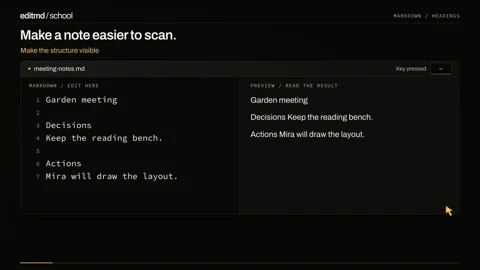
Give every idea a place with a title and section headings.
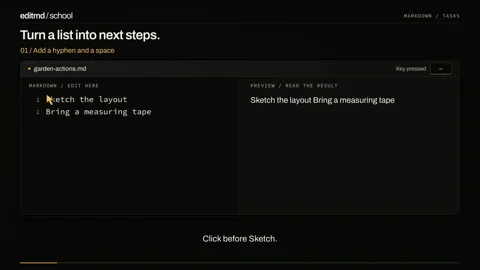
Write ordinary lists, ordered steps and checkable tasks.
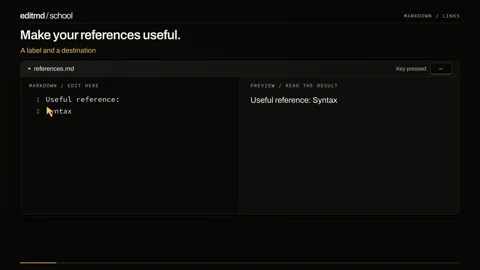
Connect an idea to its source with a link that tells the reader what to expect.
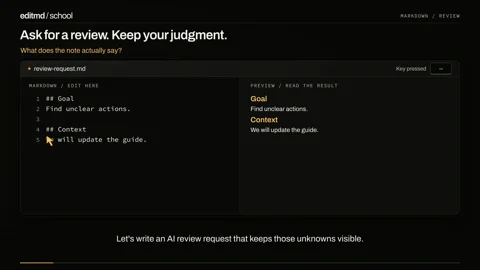
Give AI a bounded task, then verify the suggestions before changing your document.
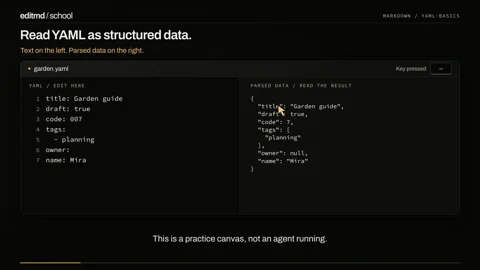
Build named values, lists and nested settings, then separate syntax from meaning.
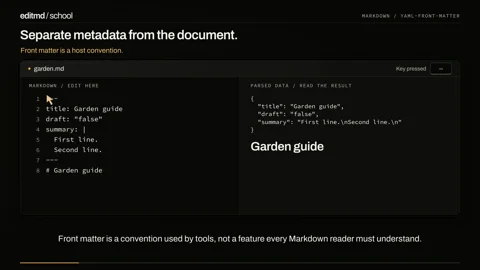
Combine YAML and Markdown, compare literal and folded text, and check a small schema.
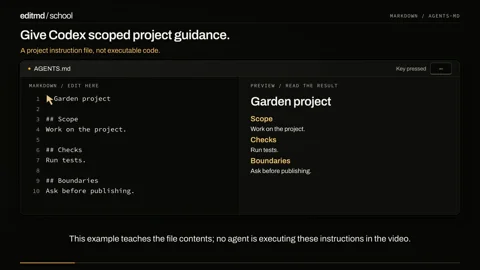
Create a concise AGENTS.md and reason about directory scope with a fictional project.
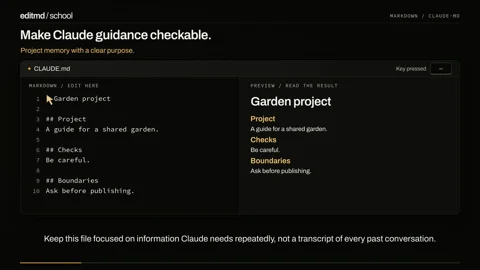
Replace vague instructions with concrete project facts and verify what Claude Code loads.
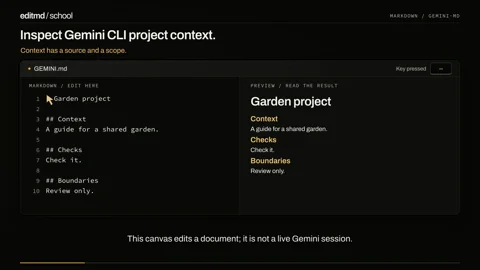
Write GEMINI.md guidance, inspect loaded context and distinguish editing from reloading.
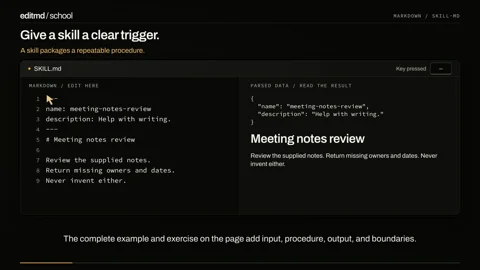
Combine discovery metadata, a bounded procedure and positive and negative test cases.
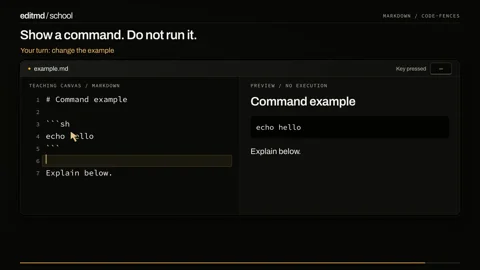
Keep code examples separate from the explanation around them.
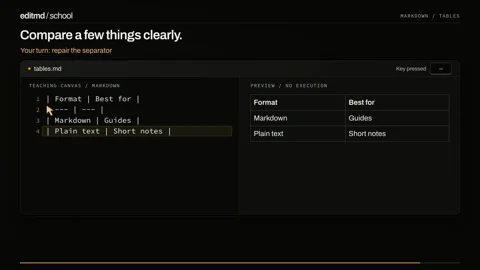
Build a small table and recognise when a list or spreadsheet is a better fit.
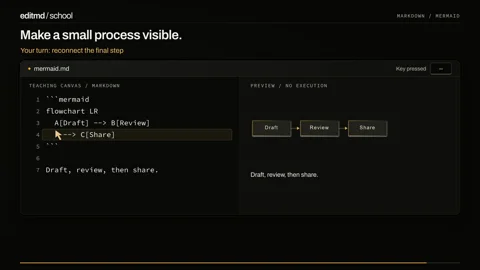
Describe a flowchart, repair a disconnected step and keep a text equivalent.
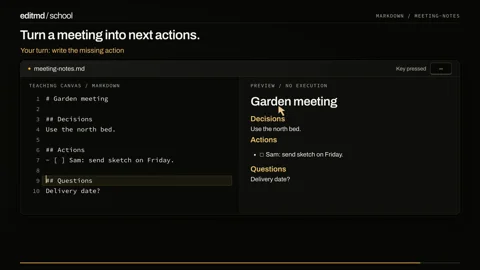
Separate decisions, responsibilities and open questions without inventing agreements.
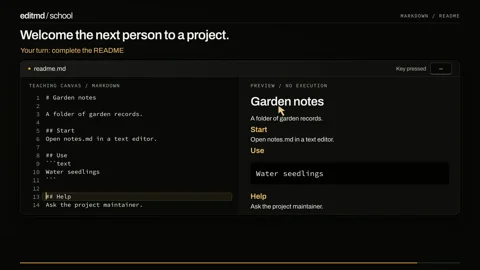
Write a README that explains purpose, first use and where to ask for help.
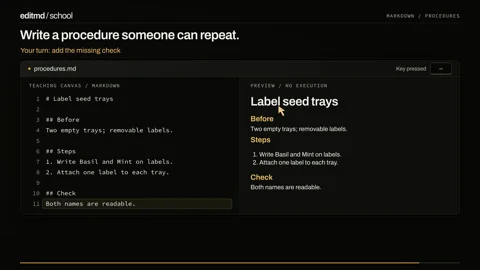
State prerequisites, ordered steps and an observable completion check.
0 of 18 lessons complete
TAKE A PROJECT WITH YOU
Complete, editable examples. Download the Markdown, replace the fictional details and make the document yours.
A decision log, named actions, open questions and the next meeting—all in one readable document.
Download meeting-notes.md ↓Build the meeting note →Explain what the project does, who it helps, how to begin and where to find the next piece of information.
Download project-readme.md ↓Build the README →KEEP THIS CLOSE
# A title
## A section
A paragraph with **strong emphasis** and *emphasis*.
- An ordinary list item
- Another item
1. An ordered step
2. The next step
[CommonMark reference](https://commonmark.org/help/)
> A quotation
`inline code`

```
A code block
```These are core Markdown forms. Task lists (- [ ]) and tables are extensions. See the CommonMark reference and GFM specification for their boundaries.
READY TO WORK IN EDITMD?
Install the app, set up your workspace and connect the AI provider you choose.
18 lessons. Each has a narrated video, an editable example and an exercise. No account; progress stays in the browser.